
Total control over every route
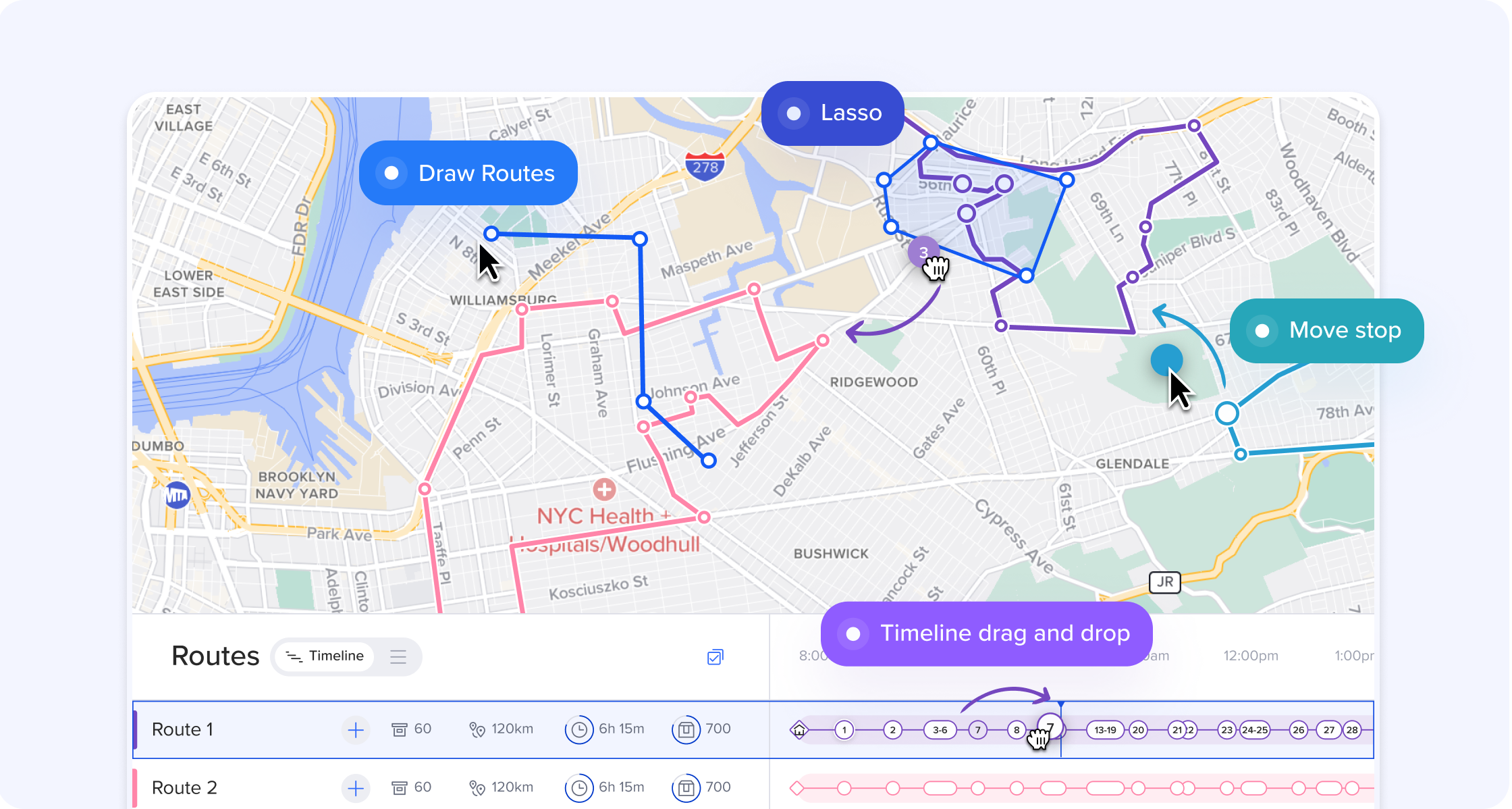
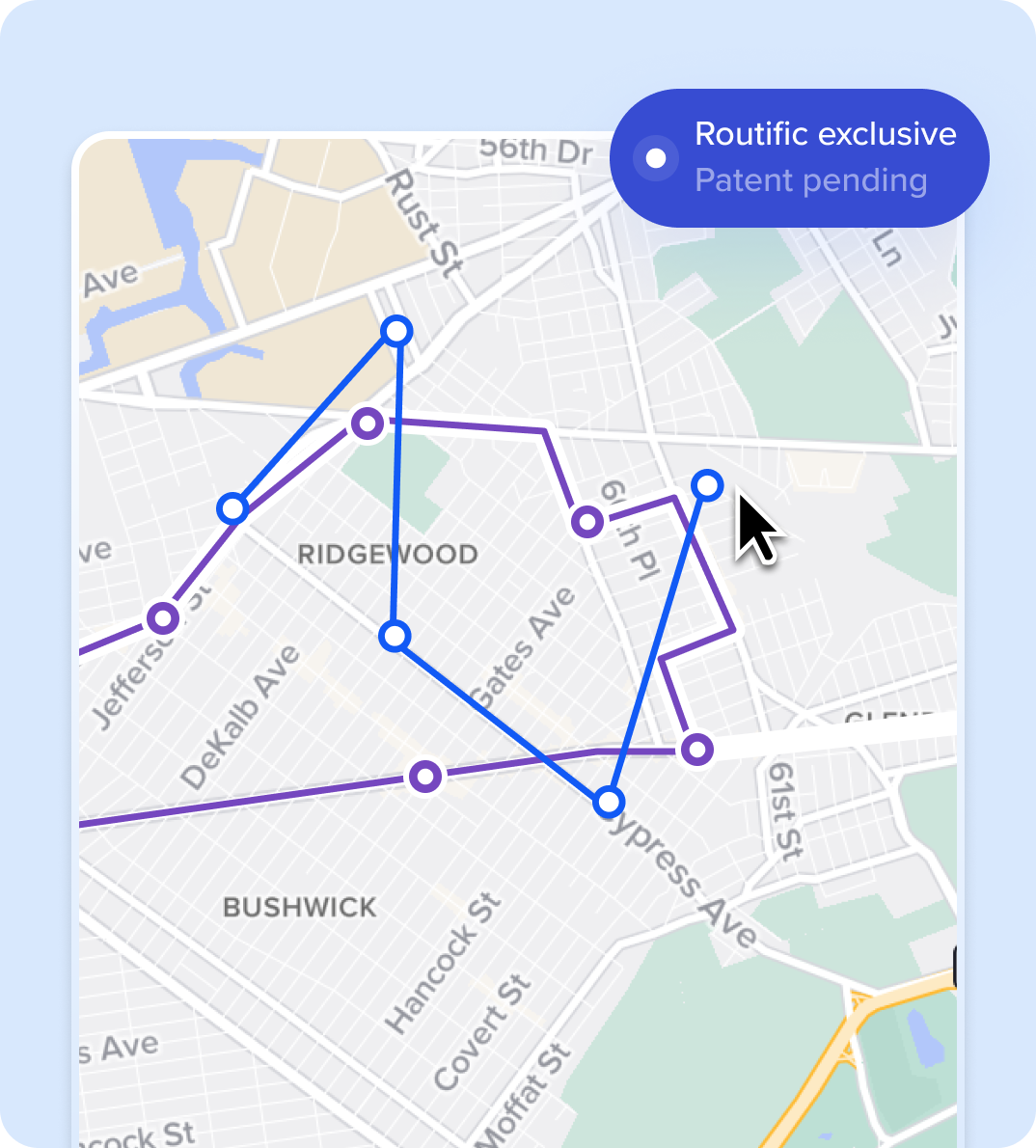
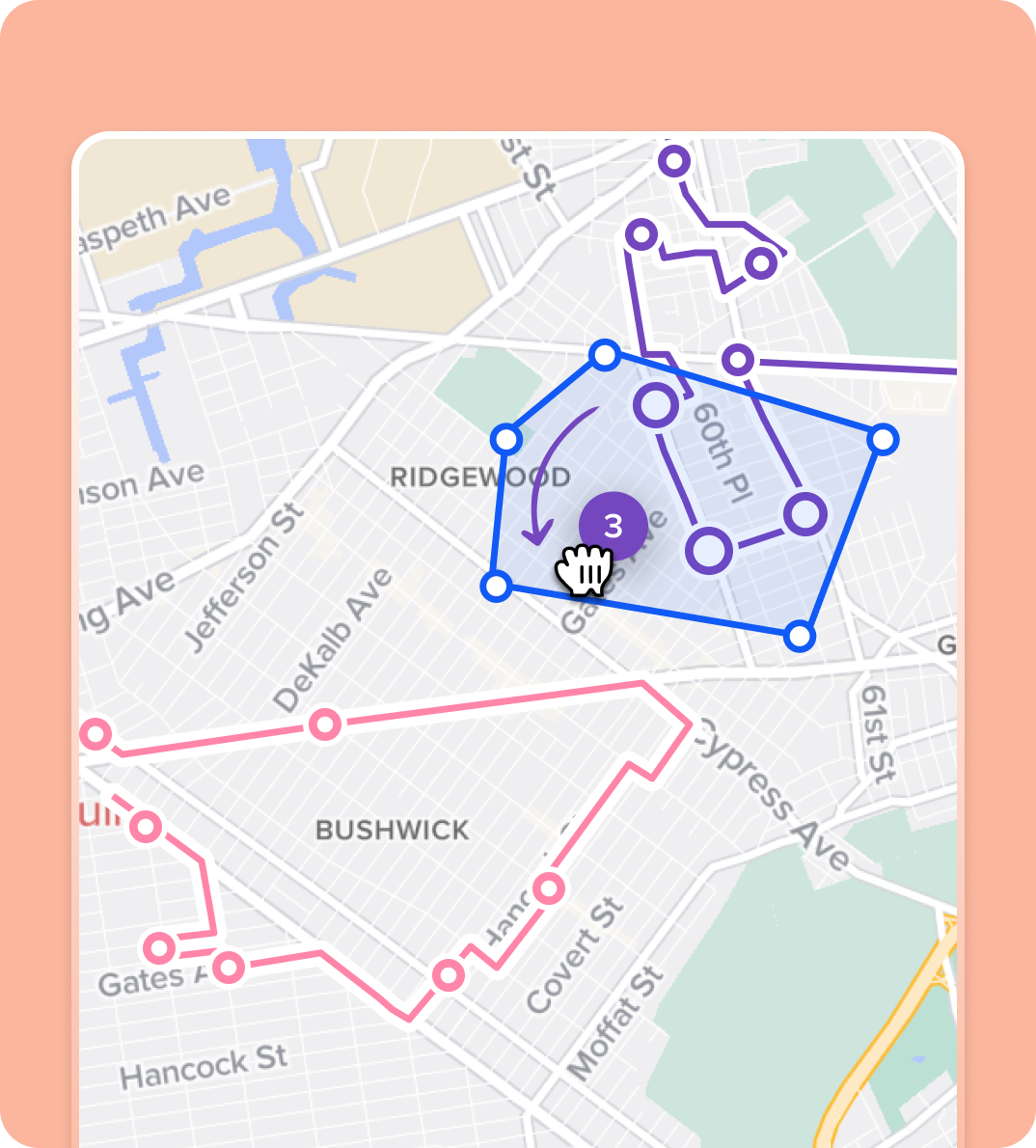
Fine-tune every route with powerful editing tools: drag and drop on the timeline, lasso and move stops on the map, or draw your route. Every tool you need to make perfect routes, your way.

Routific has taken what used to take me one day's work, and turned it into a 5 minute task.
Hamu S, Jason Windows
I have tried and demoed every routing tool out there and none come close to Routific with ease of use and simplicity.
Morgan H, SMB CEO
VISUALIZE
See the full picture of your route plan
Map View
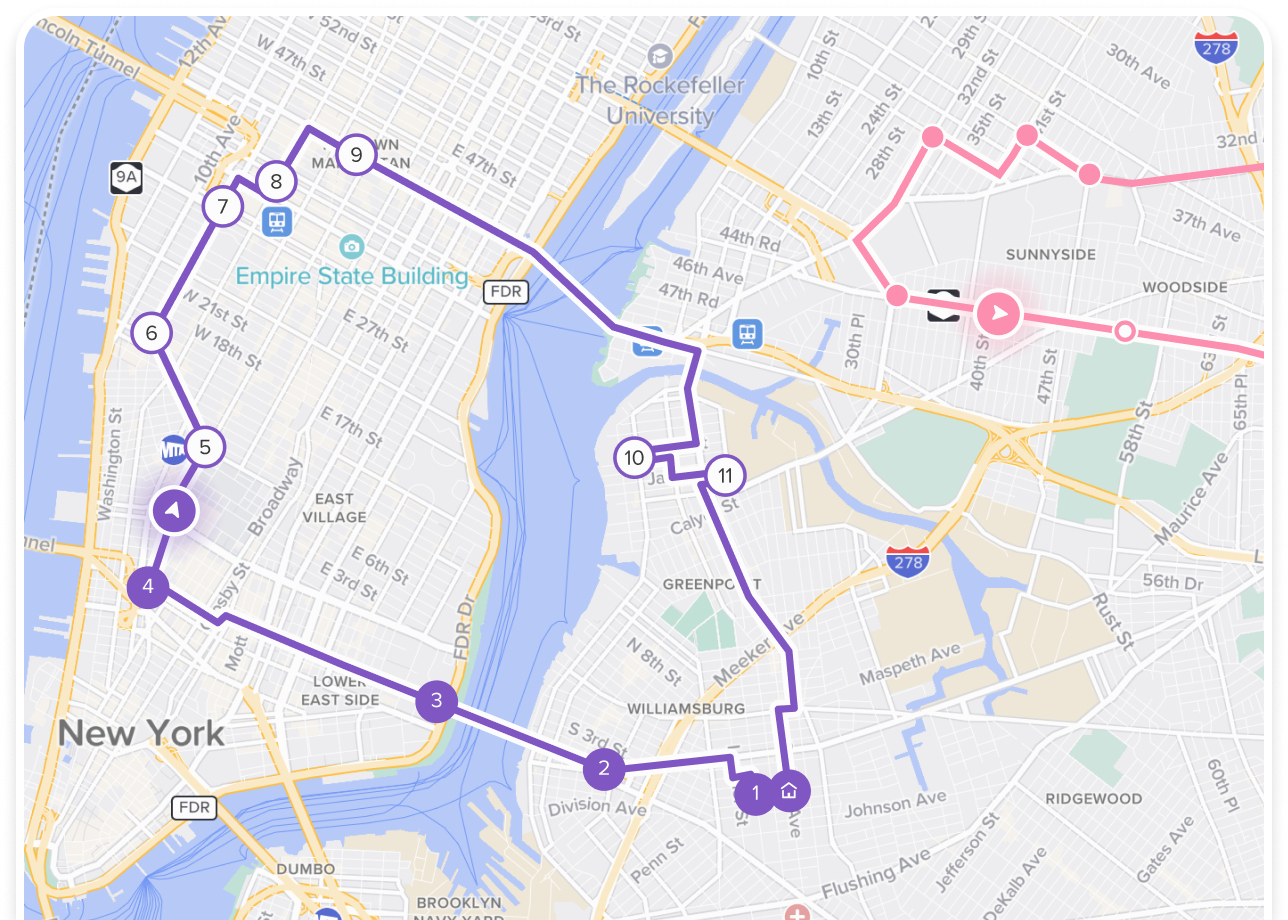
See all your routes from a bird's-eye view. Spot overlaps, identify the most efficient paths, and drag-and-drop stops to make quick adjustments — right on the map.
Timeline View
See your entire delivery day unfold across all routes. Balance workloads between drivers, spot scheduling gaps, and adjust timing with drag-and-drop precision.

List View
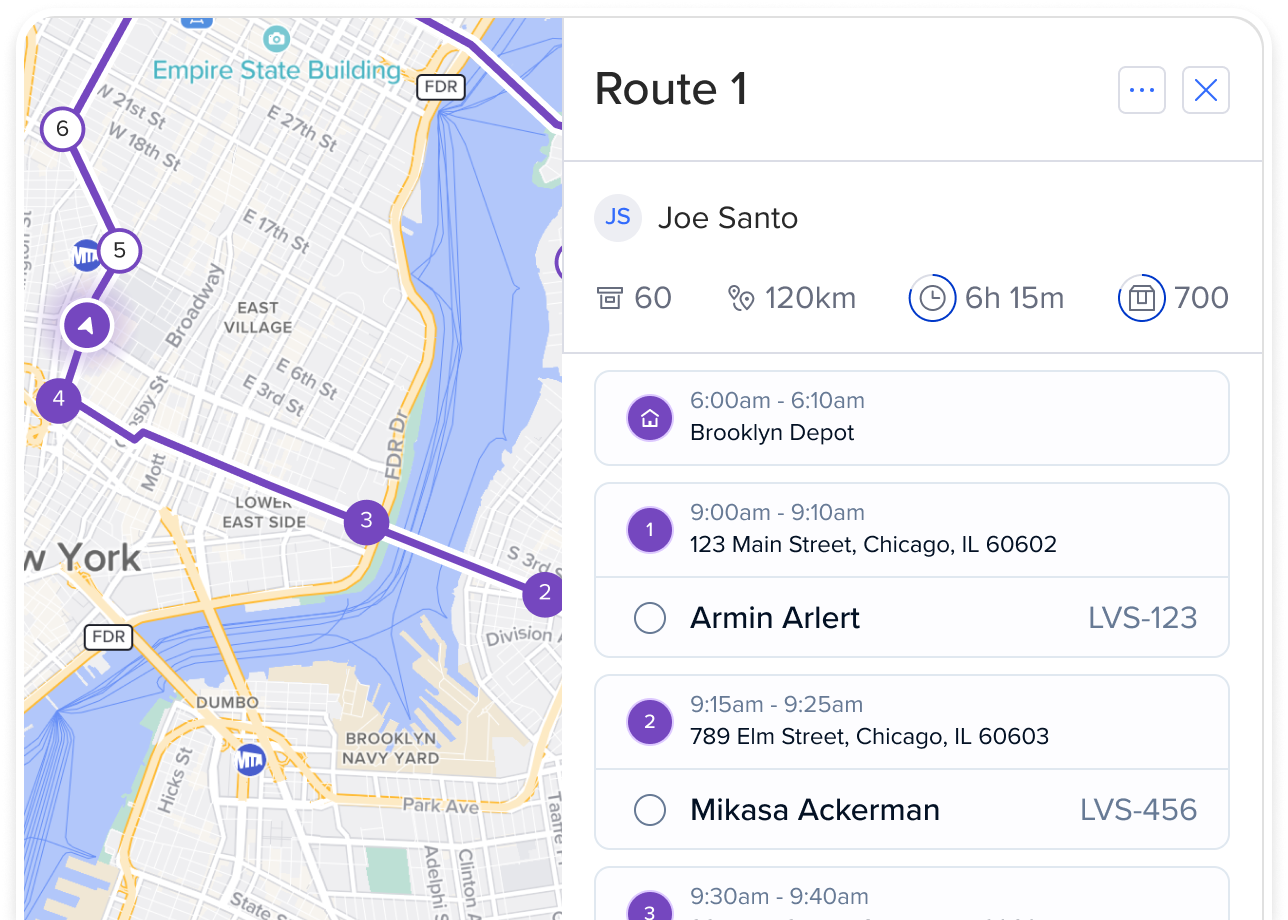
See all your stop details organized in one clean, scrollable list. Drill down into orders and make adjustments with drag-and-drop. Multiple orders are collapsed under a single stop.
EDIT
Shape routes directly onto the map
Routific’s interactive map shows how your routes work in the real world. You can zoom into dense areas, spot outliers, and drag and drop stops with precision.
Drag and drop

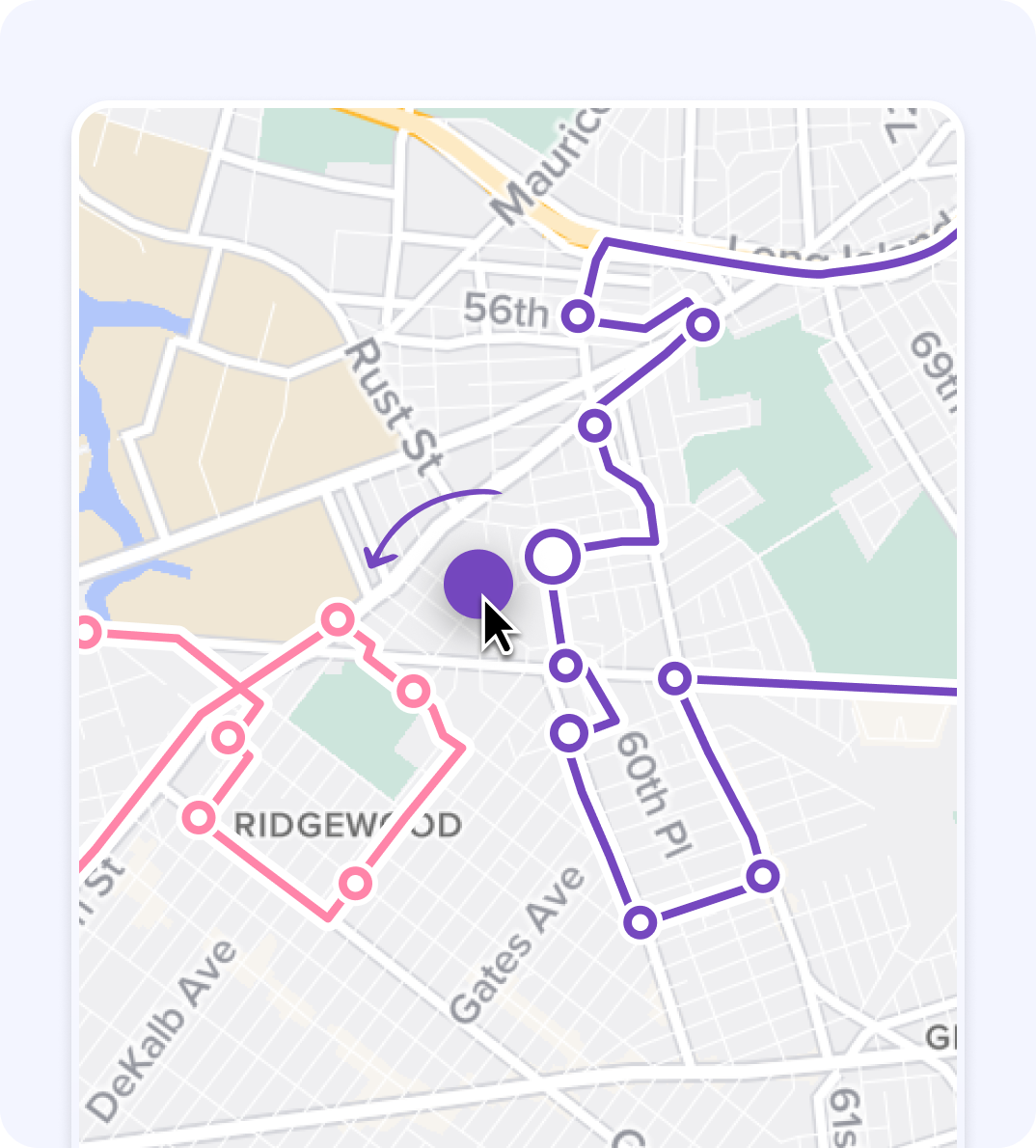
Need to fine-tune a route? Drag and drop any stop to a new route, or change its position on the route. Works in both map and timeline views.
Draw your route
Algorithms don't always account for your local expertise. With Routific's Draw Route tool, you can guide the flow of the route yourself — ideal for avoiding traffic, applying shortcuts, and keeping drivers on the best path.
Lasso to move multiple stops
Effortlessly reshape territories by moving groups of stops together. This helps you keep driver workloads balanced and routes geographically tight. Use batch edits to speed up your work.
ASSIGN
Assign the best driver for every route — and adjust quickly when plans change
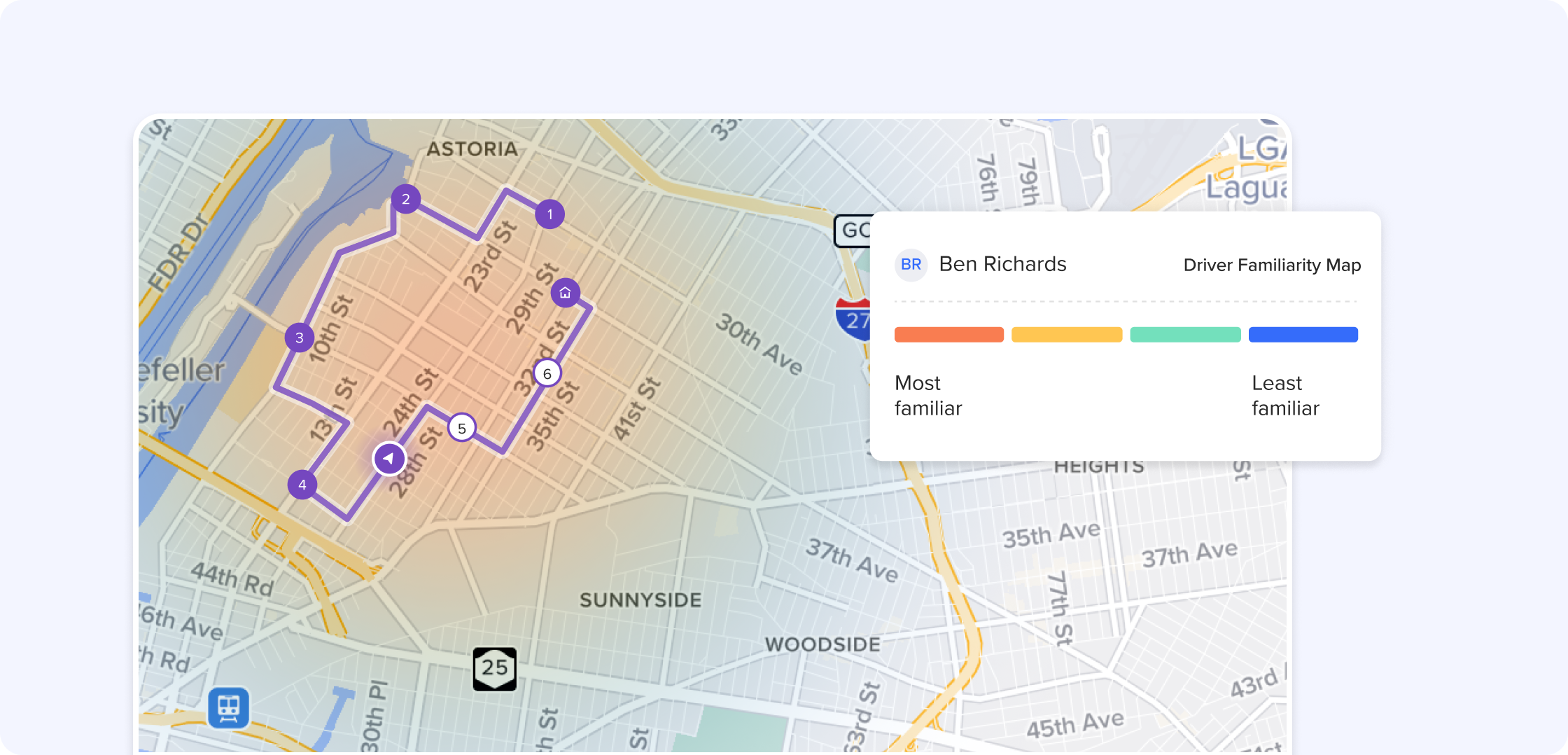
Drivers can be up to 10% faster on routes they know well. Routific remembers where your drivers have been, and recommends the most appropriate driver for each route.
Quick tools to make route changes easy
Routific's quick route editing tools help dispatchers make changes fast when they need to. It's easy to move routes to another date, reverse route order, add last-minute orders, reassign drivers, or draw the route flow yourself based on local knowledge. Every change updates ETAs and driver schedules instantly.


Voted #1 route planning software

“The ease of use, simplicity, and customer service is second to none. I have tried and demoed every routing tool out there and none come close to Routific.”
— Morgan H, CEO (Capterra review)


